Digital Signage for Food Courts and Food Halls
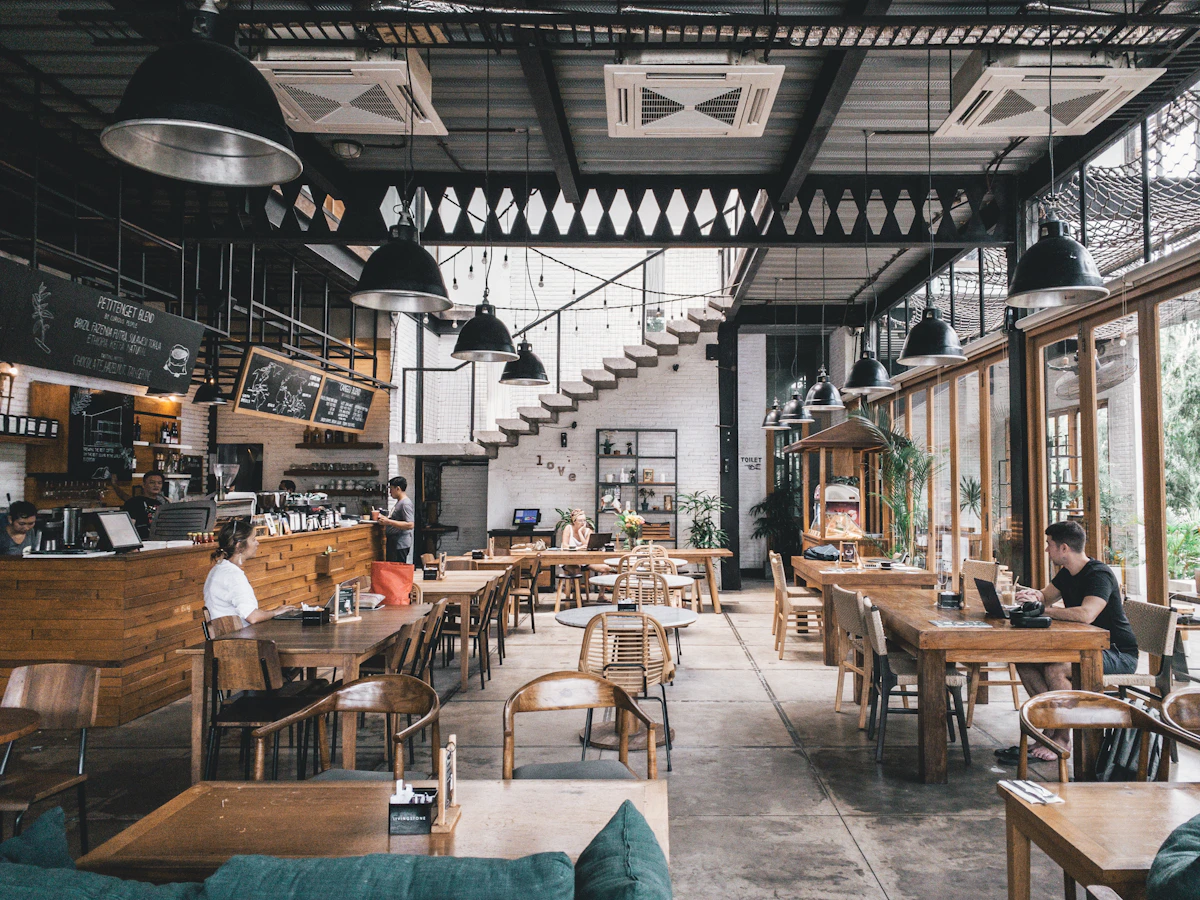
The Food Court Challenge
A food court is a complex multi-vendor environment with competing objectives: each vendor wants to maximise their own sales, the facility manager wants the entire court to perform, and customers want to make a decision and get food quickly.
Digital signage manages these competing objectives better than any static alternative.
Overhead Menu Boards for Individual Vendors
Each vendor in a food court needs their own menu display. The Alliance supports:
- Multi-screen menu boards (3-, 4-, or 5-panel configurations)
- Real-time menu updates (83-second update from app to screen)
- Availability toggles (grey out items that are sold out or not being served now)
- Daypart menus (breakfast, lunch, afternoon, evening)
- Promotional spots within the menu layout
- Price changes without reprinting
Visual hierarchy for food court menus:
- Category headers at the top of each panel
- Items with descriptions and prices clearly spaced
- High-quality food photography as a primary visual element
- Large, readable fonts from queue distance (3–5 metres)
Wayfinding and Vendor Maps
The entrance to a food court is a navigation decision point. A digital directory screen shows:
- Vendor map with current locations
- Cuisine type per vendor (“Italian / Pizza / Pasta”)
- Currently open indicators (useful in courts where not all vendors are always operational)
- Today’s specials from each vendor
A touchscreen directory allows customers to search by cuisine type or dietary requirement.
Promotional Displays
Shared promotional screens in the seating area or high-traffic corridors give the facility operator an advertising channel:
- Vendor-specific promotions on a rotating schedule
- “Staff pick today” highlights from different vendors
- Combo deals crossing multiple vendors (a main from one, a dessert from another)
- Upcoming events in the food court (tasting events, new vendor launches)
- Loyalty programme promotions
Revenue model: Some facility operators sell screen time to vendors, creating a revenue stream from the digital estate.
Queue Management
A busy food court without queue management creates frustration and revenue loss. Digital screens contribute to queue management:
- Order number calling screens (take a buzzer, screen calls your number)
- Estimated wait time displays per vendor
- “Order now, eat later” messaging during peak times
- Table number assignment systems
The Alliance integrates with Lightspeed, Square, and custom POS systems to pull order status automatically.
Real-Time Availability
The worst customer experience in a food court: queuing, reaching the front, and finding the item you wanted is unavailable. Digital screens that show real-time availability prevent this:
- Sold out items marked clearly on the menu
- Low stock alerts (“Last few portions”)
- Estimated restock time
Allergen and Dietary Information
A permanent allergen and dietary screen, clearly positioned, makes the food court accessible to customers with dietary requirements:
- Full allergen matrix for all vendors
- Vegan and vegetarian indicators
- Halal and kosher certification status
- “Ask at the counter” prompt for unlisted requirements
Seasonal and Event-Driven Content
Food courts in shopping centres, airports, and attractions align their content with seasonal events:
- Christmas market launches
- Valentine’s Day special menus
- Summer events and outdoor seating announcements
- Back-to-school promotions
- Sports event viewing promotions
Scheduling: The Alliance’s scheduling system automatically switches to seasonal content on set dates and returns to standard content when the event ends, without manual intervention.
Analytics and Performance
For facility operators, understanding which vendors drive traffic and which screens attract the most attention is valuable. The Alliance’s analytics provide:
- Content impression counts per screen
- Busiest periods by screen (correlated with footfall where counters are available)
- Campaign performance for vendor promotions
- Proof-of-play reporting for advertisers
Managing a Multi-Vendor Environment
The facility operator manages the network-wide content (wayfinding, promotions, allergens), while each vendor manages their own menu boards within their content zone. The Alliance’s permission system makes this straightforward:
- Each vendor can edit their own menu content
- Vendors cannot see or affect other vendors’ content
- The facility manager sees all content and approves menu changes before they go live (optional)
- Central branding and templates ensure visual consistency across all vendor boards