How to Display Social Media on Digital Signage — Instagram, X, Facebook & More
Why Social Media on Screens Works
User-generated content is the most credible form of marketing. When a customer sees a real person’s photo from your restaurant, hotel, gym, or event on a screen next to them, it creates a sense of community and validates their choice to be there. It also encourages others to post — building a virtuous cycle of engagement.
The Social Wall Widget
The Alliance’s social wall widget aggregates content from multiple social platforms and displays it in a customisable grid or carousel:
- Instagram — Posts and Stories tagged with your hashtag or mentioning your account
- X (Twitter) — Posts tagged with your hashtag
- Facebook — Posts on your page or tagged with your location
- LinkedIn — Company page updates and tagged posts
- TikTok — Posts with your hashtag (read-only, no account access required)
Content Moderation is Non-Negotiable
Never display raw, unmoderated social content on your screens. Any member of the public can post with your hashtag, and the content may be:
- Offensive or inappropriate
- A competitor’s promotion
- Misinformation
- Copyright-protected material you don’t have rights to
The Alliance’s social wall includes a moderation queue. All posts are held before display and require approval from your team. Only approved posts appear on screens. Auto-approve features are available for well-established, low-risk hashtags — but use them with caution.
Hashtag Campaigns
Design campaigns specifically to drive social wall engagement:
- Choose a campaign hashtag — Short, memorable, brand-specific.
#R52Experiencebeats#R52DigitalSignage2026Competition - Promote the hashtag — On printed receipts, on the screen itself (“Share your experience → #R52Experience”), in email communications
- Display the wall prominently — Where participants can see their post appear
- Acknowledge posters — A personal “Thanks for sharing!” DM reinforces the behaviour
Events
Social walls are particularly powerful at:
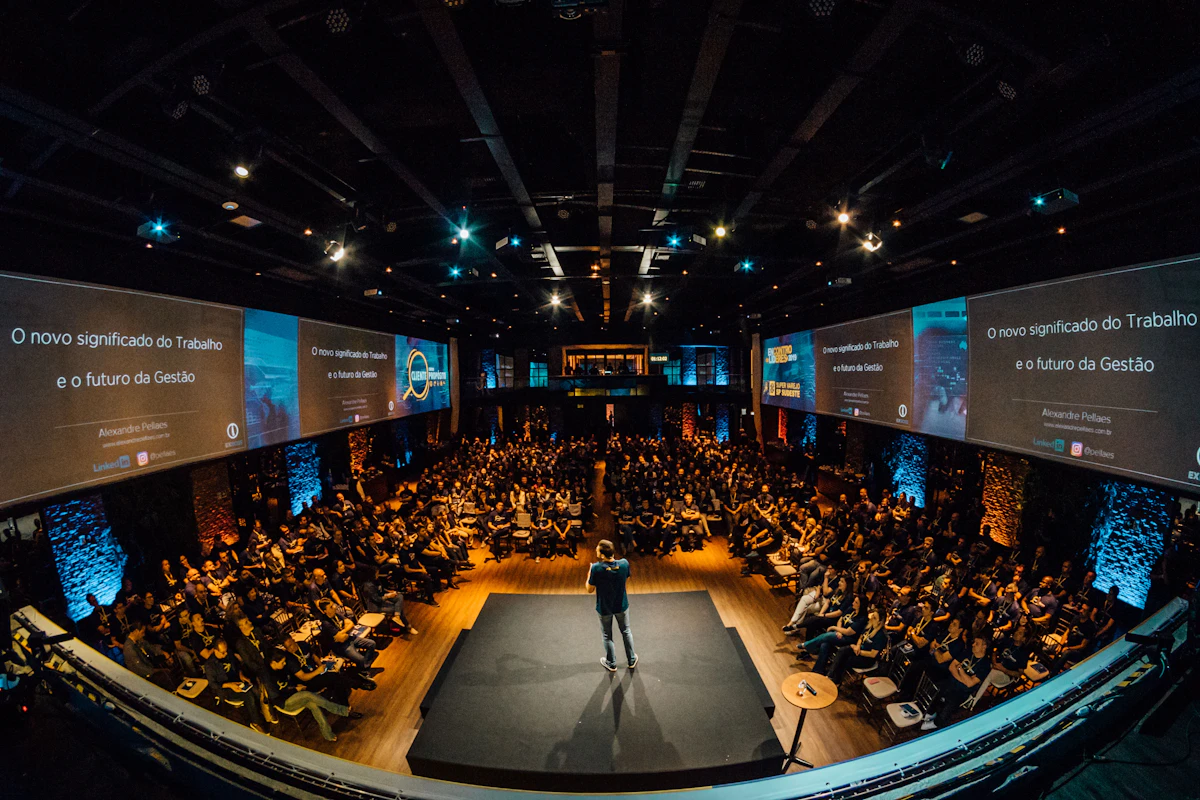
- Conferences and exhibitions — Attendees love seeing their posts on the big screen
- Weddings and private events — Photo walls replacing formal slideshows
- Sports events — Fan footage and reactions
- Brand activations — Photo booths where the output auto-posts and appears on screen
Instagram Specifically
Instagram has the most restrictions on third-party access. The Alliance’s Instagram integration requires:
- An Instagram Business or Creator account
- Approval of the Alliance app via your Meta Business account
- Content displaying only your own posts OR posts where you are tagged
User-generated content via hashtags requires the user’s permission (the act of tagging with the campaign hashtag can serve as this in many jurisdictions — check legal requirements in your location).
Content Rights
When you display user-generated content, you are republishing someone else’s work. Best practices:
- Use hashtag participation as implied consent (and disclose this in your campaign terms)
- DM individual creators for explicit permission for extended use
- Never crop out original captions that attribute authorship
- Never display content in a way that implies endorsement of a cause or opinion the creator didn’t intend
Other Social Content Formats
Beyond the social wall:
Review display — Pull your Google Reviews or TripAdvisor reviews and display 4- and 5-star reviews in a carousel. Compelling at reception desks, in waiting areas, or in the window of a restaurant.
Follower count — Display your current Instagram or LinkedIn follower count as a social proof metric.
Live YouTube — Embed a YouTube live stream or recent video on a secondary screen zone.
LinkedIn company feed — Display your company’s LinkedIn posts in a corporate lobby or showroom.