#setup
6 posts.
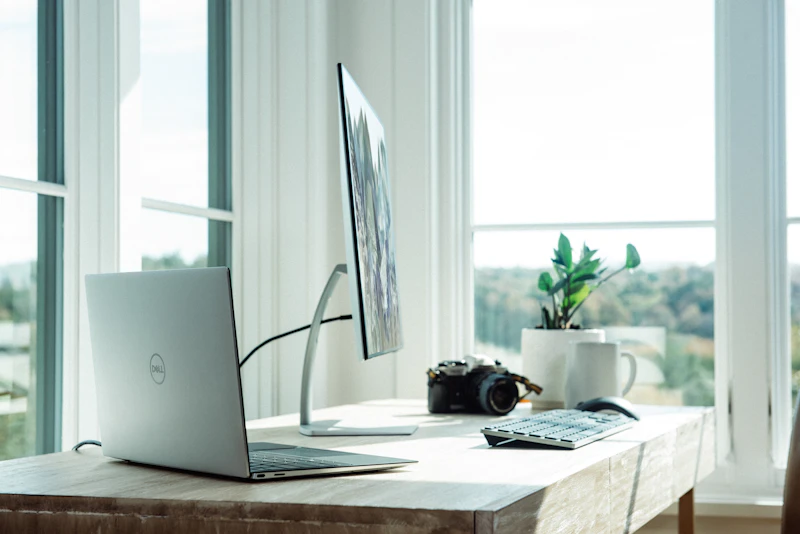
How to Install Digital Signage — Step-by-Step Installation Guide
A practical guide to installing digital signage screens — from choosing the right mount to running cables, connecting the media player, and going live with your first content.

Raspberry Pi Digital Signage — The Complete Setup Guide 2026
Run professional digital signage on a Raspberry Pi. This guide covers hardware selection, OS setup, the Alliance Player software, and tips for a stable deployment.

Samsung SSSP Digital Signage — Setup and Configuration Guide
Samsung Smart Signage Platform (SSSP) displays have a built-in media player. This guide covers how to set up Samsung SSSP screens with the Alliance platform, without an external player.
Windows Digital Signage Players — Setup and Configuration Guide
Run Alliance digital signage on a Windows PC or mini PC. This guide covers setup, kiosk mode, power settings, and remote management for Windows-based media players.

LG webOS Digital Signage — Setup Guide and Best Practices
LG commercial displays with built-in webOS can run the Alliance digital signage app without an external media player. This guide covers setup, management, and optimal settings.

Getting Started with Digital Signage — Your First Screen in 60 Minutes
Ready to set up your first digital signage screen? This step-by-step quick start guide takes you from box-open to live content in under an hour, using the Alliance platform.